Automated SEO Reports for Clients: A Complete Guide
November 21, 2026 · 13 min read

If your agency still spends a weekend every month exporting spreadsheets, stitching together screenshots, and writing the same explanations over and over, you already know the problem. Automated SEO reports for clients solve this by connecting your data sources once and letting dashboards, summaries, and alerts do the repetitive work — so your team can spend time on strategy instead of formatting slides. This guide breaks down what automated SEO reports for clients actually include, which metrics matter, how to build a system that scales, and how to avoid the mistakes that make automation feel impersonal.
TL;DR — The Bottom Line
Automated SEO reports for clients combine live data from Google Search Console, GA4, rank trackers, CRMs, and e-commerce platforms into dashboards that update continuously and explain themselves with AI-generated summaries. Agencies that automate reporting save roughly four hours per client each month compared to manual spreadsheet work, and the shift that matters most isn't the dashboard itself — it's moving from reporting SEO activity to reporting business outcomes like leads, calls, and revenue.
Quick Facts
- AI adoption in SEO: 87% of SEO professionals use AI regularly, but only 1% describe their workflow as fully automated
- Reporting-specific AI use: 72% of six-plus-person SEO teams and 51% of smaller teams use AI for reporting and client communication
- Time saved: automated dashboards save approximately 4 hours per client per month versus manual reporting
- Manual baseline: agencies managing multiple clients often spend 10–20 hours monthly building reports by hand
- Typical pricing: white-label reporting platforms commonly range from roughly $20 to $45+ per client per month
What Are Automated SEO Reports for Clients?
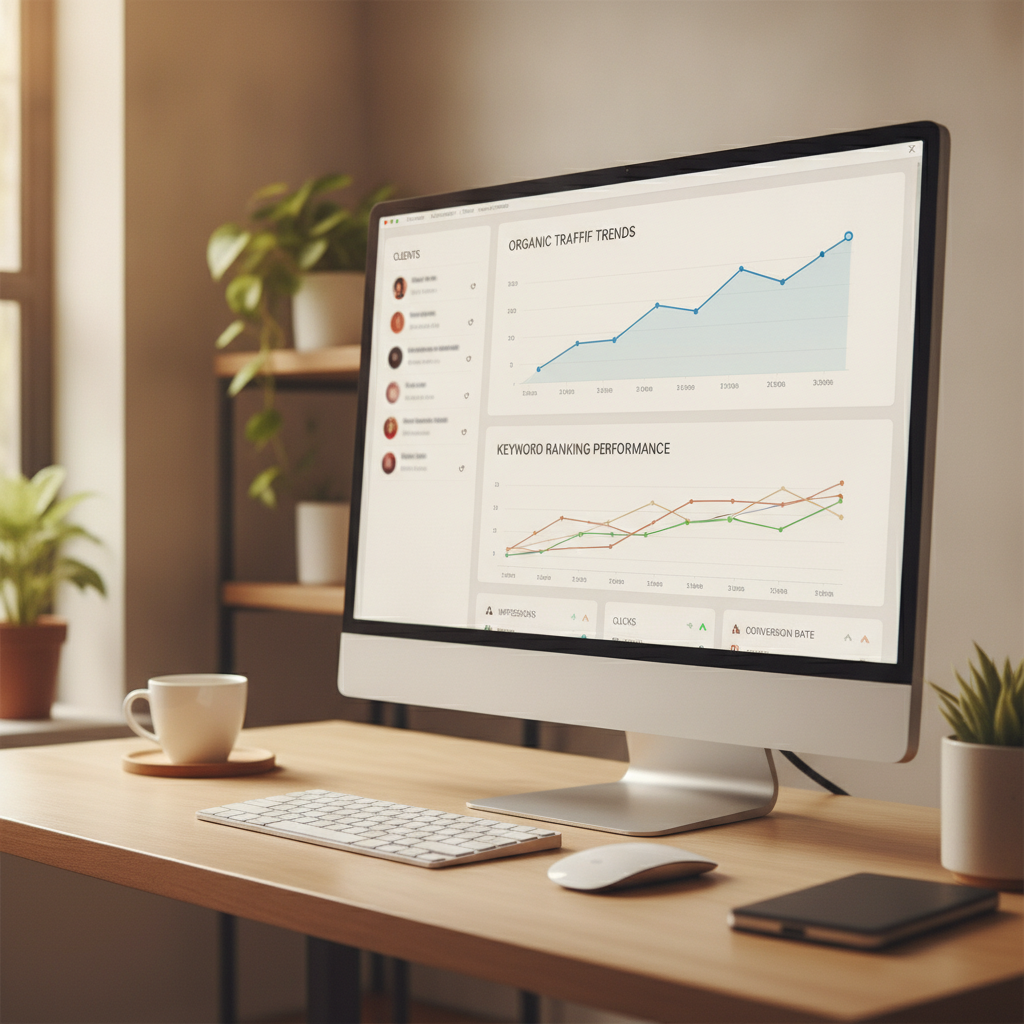
Automated SEO reports for clients are dashboards, scheduled summaries, and alerts that pull performance data directly from connected platforms instead of relying on a team member to manually compile it. Instead of a static PDF built once a month, a fully automated SEO reporting system updates continuously and can notify an account manager the moment a client's rankings, traffic, or conversions move outside expected ranges.
For agencies and in-house teams alike, this shift matters because clients increasingly expect transparency on demand, not just a once-a-month summary. Entrepreneurs, e-commerce owners, real estate agents, and local service businesses — from HVAC companies to dentists and personal injury law firms — all want to see, in plain language, whether their SEO investment is producing calls, bookings, or sales. Automated SEO reports for clients make that visibility possible without adding headcount.
Why Automated SEO Reports for Clients Matter in 2026
The case for automated SEO reports for clients is no longer theoretical. A 2026 industry survey found that 87% of SEO professionals use AI regularly in their workflow, yet only 1% described their process as fully automated — meaning there is enormous room for agencies to differentiate simply by closing that gap in their reporting process (Source: 2026 SEO Industry Survey). Reporting is already one of the most common entry points for AI adoption: 72% of larger SEO teams and 51% of smaller teams reported using AI specifically for reporting, summaries, or client communication.
The time savings are concrete. Agencies managing several clients often spend 10 to 20 hours a month manually building reports — exporting data, reconciling spreadsheets, writing commentary, and designing slides. Automated dashboards cut roughly four hours per client per month from that workload, time that can instead go toward strategy calls, content planning, or technical fixes that actually move rankings.
Most agencies schedule a monthly executive summary for stakeholders, but automated SEO reports for clients work best when dashboards update in real time and alerts fire immediately for significant ranking drops, traffic anomalies, or technical issues — so the client never has to wait a month to learn something went wrong.
Beyond time savings, automated SEO reports for clients support retention. When a business owner can log into a branded portal at any hour and see rankings, traffic, and revenue trends without emailing their account manager, trust increases and churn decreases. This is especially true for clients who are used to being kept in the dark by agencies that only communicate once a month.
Core Components of Automated SEO Reports for Clients
A genuinely useful automated SEO reporting system performs five distinct functions, and skipping any one of them produces a report that looks automated but still requires manual cleanup.
- Data collection: APIs pull data from GA4, Google Search Console, rank trackers, site crawlers, backlink platforms, CRMs, call-tracking tools, and e-commerce systems, eliminating repeated exports and screenshot collection.
- Data normalization: dates, properties, campaigns, locations, and keyword groups are standardized, and branded searches are separated from non-branded, commercial-intent traffic.
- Visualization: trend lines, funnels, geographic breakdowns, and period-over-period comparisons are presented in white-labeled, client-specific dashboards.
- Interpretation: AI summarizes significant changes, flags anomalies, and suggests likely causes and next actions — turning raw numbers into a narrative.
- Delivery: scheduled summaries, dashboards, and alerts reach clients and account managers automatically, without a human assembling each report from scratch.
Notice that interpretation and delivery are just as important as data collection. A dashboard full of charts with no explanation leaves clients guessing, which is why the strongest automated SEO reports for clients pair AI-generated commentary with a brief human note — even a two-sentence summary from the account manager adds credibility that pure automation cannot replicate.
Essential Metrics Every Automated SEO Report Should Track
Not every metric belongs in every report. The right automated SEO reports for clients adapt metric selection to the client's business model — an e-commerce brand cares about different numbers than a personal injury law firm or a property management company.
Core SEO performance metrics
- Organic clicks, impressions, and click-through rate
- Non-branded clicks and rankings by keyword group and position tier
- Visibility and engaged sessions by landing page
- Indexed pages, crawl issues, and Core Web Vitals
- Backlink acquisition and loss, and SERP-feature ownership
- Organic conversion rate
Business and revenue metrics
- Organic revenue, transactions, and average order value (e-commerce)
- Revenue by landing page, category, product, and query group
- Qualified leads, booked calls, and appointments (service businesses)
- New versus returning customers and assisted conversions
- Return on SEO investment relative to ad spend or retainer cost
These two tiers work together: diagnostic SEO metrics explain why something happened, while business metrics prove whether it mattered. Automated SEO reports for clients that only show rankings and traffic — without connecting them to leads or revenue — tend to generate more questions than confidence, which is exactly the gap The Ecom Agent reporting approach is built to close for e-commerce and service-based businesses alike.
At minimum, include organic traffic and rankings, conversion rate, and a business-outcome metric specific to the client — revenue for e-commerce, booked appointments for dentists and chiropractors, or qualified leads for law firms and home service providers. Technical health metrics like Core Web Vitals and crawl errors should be included but summarized, not buried in raw data.
How to Build an Automated SEO Reporting System in 6 Steps
- Audit your data sources. List every platform that holds relevant data — GA4, Search Console, rank trackers, CRM, call tracking, e-commerce platform — and confirm each has an accessible API or native connector.
- Choose a reporting platform. Decide between a flexible builder like Looker Studio, an all-in-one agency tool, or a specialized e-commerce reporting product, based on your team's technical capacity and client expectations.
- Normalize naming conventions. Standardize campaign names, location labels, and conversion events across every client account before building templates, or your automation will break the first time something changes.
- Build reusable templates. Create one master template per client type (e-commerce, local service, legal) so new clients can be onboarded in hours, not days.
- Layer in AI interpretation. Configure automated commentary to flag ranking drops, traffic anomalies, and conversion declines, and set alert thresholds so your team is notified before the client asks.
- Add a human checkpoint. Schedule a brief monthly review where an account manager adds context, celebrates wins, and reframes any bad news — automation handles the data, people handle the relationship.
Following this sequence turns automated SEO reports for clients from a one-off dashboard project into a repeatable system that scales across your entire client roster without multiplying your admin workload.
Automated SEO Reports for Clients: Myths vs. Reality
Another common misconception is that automation equals a loss of accuracy. In practice, the opposite is usually true: manual reporting introduces more copy-paste errors, outdated screenshots, and inconsistent date ranges than a properly configured automated pipeline. When data flows directly from the source platform, the margin for human error shrinks dramatically.
Choosing a Reporting Platform: Quick Comparison
There is no single best tool for every agency, but understanding where each option sits helps you choose wisely before committing to automated SEO reports for clients at scale.
| Platform type | Best for | Trade-off |
|---|---|---|
| Flexible dashboard builder (e.g., Looker Studio) | Agencies with technical staff and tight budgets | Requires ongoing setup, connectors, and manual interpretation |
| Full-service agency reporting platform | Agencies needing white-label portals fast | Broad feature set, but e-commerce-specific insights often need add-ons |
| Simple multi-channel dashboard tool | Teams that mainly need visualization, not deep attribution | Limited differentiation beyond charts and scheduled emails |
| All-in-one SEO suite with reporting built in | Agencies already using the suite for rank tracking and audits | Reporting is one feature among many, not the core focus |
| Revenue-first, niche-specific reporting platform | E-commerce and service businesses that need outcomes, not just rankings | Narrower focus, but deeper alignment with business goals |
For agencies serving e-commerce brands specifically, the deciding factor is usually whether the platform can connect product-level revenue data to organic search performance — most generic tools stop at sessions and conversions, while the strongest automated SEO reports for clients go all the way to product, category, and repeat-purchase data.
Common Mistakes That Undermine Automated SEO Reports for Clients
- Reporting activity instead of outcomes. Listing blog posts published or backlinks built means little if the client can't see how it affected leads or revenue.
- Ignoring AI search visibility. As more buyers start their research in AI-generated answers, reports that only track traditional rankings miss an increasingly important visibility layer, including brand mentions and citations in AI-generated responses.
- Over-automating client communication. Sending a dashboard link with zero commentary feels impersonal; a short, human-written summary dramatically increases perceived value.
- Using inconsistent date ranges or naming conventions. This is the single most common cause of automated reports quietly becoming inaccurate over time.
- Never revisiting the report template. Client goals change; a report built for a launch phase won't fit a maintenance phase a year later.
No. Automated SEO reports for clients handle data collection, visualization, and basic interpretation, but strategic decisions, nuanced client conversations, and trust-building still require a human account manager who understands the business context behind the numbers.
Frequently Asked Questions
What are automated SEO reports for clients?
Automated SEO reports for clients are dashboards and scheduled summaries that pull data directly from platforms like Google Search Console, GA4, and rank trackers, then use AI to summarize changes — removing the need for manual spreadsheet assembly each month.
How much time do automated SEO reports save agencies?
Agencies typically save around four hours per client per month by automating reporting, compared to a manual process that can take 10 to 20 hours monthly across a multi-client roster.
What's the difference between automated and manual SEO reporting?
Manual reporting relies on exporting data from each platform and assembling it by hand, which is slow and error-prone. Automated SEO reports for clients connect data sources via API so dashboards update continuously and AI can generate commentary automatically.
Should AI search visibility be included in client SEO reports?
Yes. As AI-generated answers increasingly influence buyer research, tracking brand mentions, citations, and referral traffic from AI search tools is becoming a standard part of comprehensive automated SEO reports for clients.
What metrics matter most for e-commerce clients specifically?
Organic revenue, transactions, average order value, and revenue by product or category matter more to e-commerce clients than rankings alone, since these metrics directly tie SEO performance to store profitability.
Bringing It All Together
Automated SEO reports for clients are no longer a nice-to-have add-on — they are quickly becoming the baseline expectation for agencies and in-house teams that want to retain clients and prove return on investment without burning out their staff on spreadsheet work. The agencies that win in 2026 won't be the ones with the most charts; they'll be the ones who connect rankings and traffic to real business outcomes, add a human voice to AI-generated summaries, and keep expanding their reporting scope to include emerging visibility channels like AI search answers.
If you're ready to move beyond static PDFs and spreadsheet exports, explore how The Ecom Agent helps e-commerce brands and agencies turn automated SEO reports for clients into a genuine retention and revenue-attribution tool — not just another dashboard nobody opens.